3.145 FAQ-883 How to suppress the warning message dialog?
Suppress-WarningMessage
Last Update: 7/13/2017
Origin provides different kinds of warning messages (including smart hint) when you perform, change, or delete an operation. Sometimes you will feel noisy of these warning messages and want to suppress them.
Dialog with Don't Show Again Options
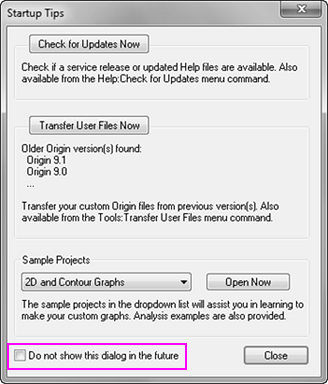
- Some warning messages have a "don't show this dialog" checkbox at the bottom. You can select it to suppress this message dialog.
- Some warning messages provide a "don't bother me with this again" option which will follow the selected setting in the future.
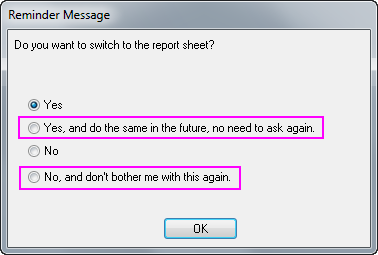
 | For the two cases above, you can reactivate the message dialogs by Help: Reactivate Reminder Messages menu.
|
Smart Hints
- To suppress smart hints, refer to this quick help page. To reactivate smart hints, select Help: Reactivate All Hints menu.
Warning Message for Deleting Operation
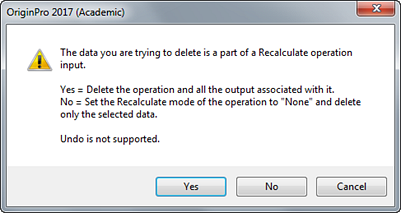
- If you delete an analysis operation either from workbook or graph, a warning message dialog will dump up asking for deleting confirm. To suppress it, set system variable @DOM to 1.
- Select Tools: Set System Variables from Origin menu.
- Enter DOM for Variable and set its Value to 1.
Keywords:delete green lock, suppress warning