



|
|
|
This tutorial will show you how to create a multi-line-plot with special position annotation line.
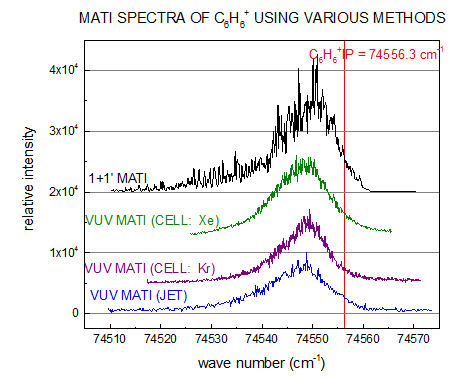
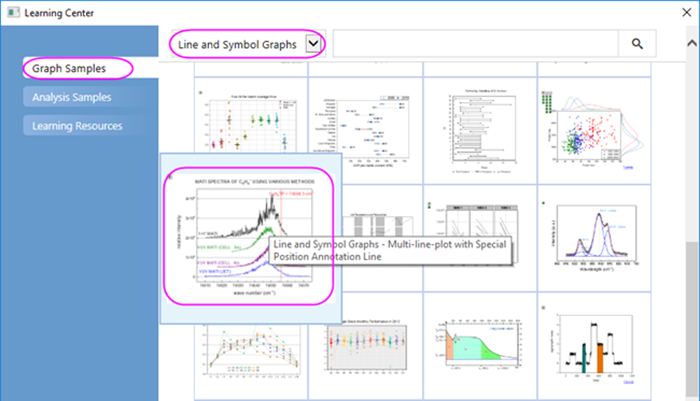
Minimum Origin Version Required: Origin 2015 SR0
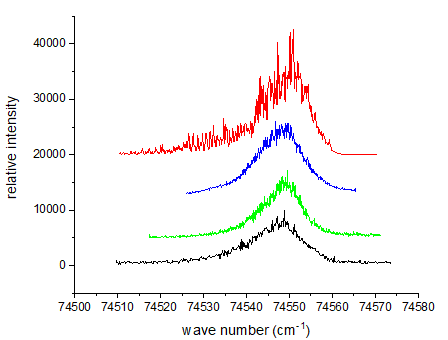
 button on the 2D Graphs toolbar. Delete the legend object from graph.
 to select In in the list.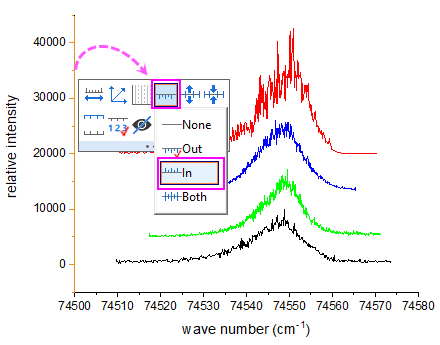
 to open the Axis Scale button to set the scale for X and Y axis: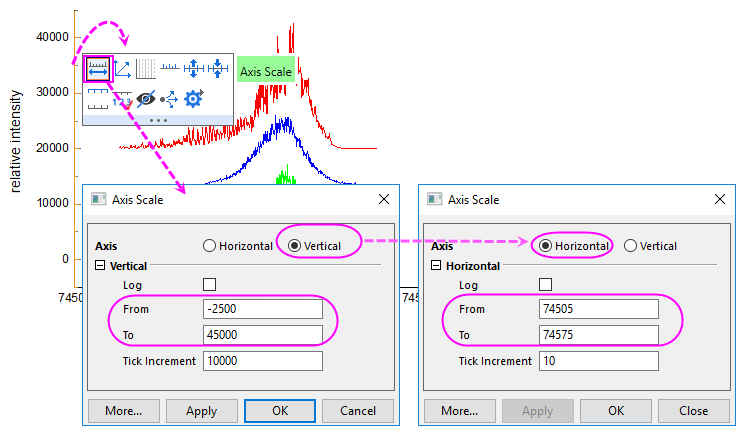
 to select Major from the list to show only the major grid lines.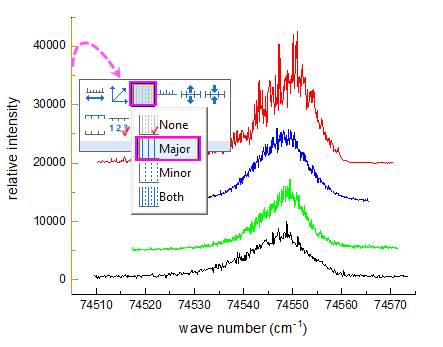
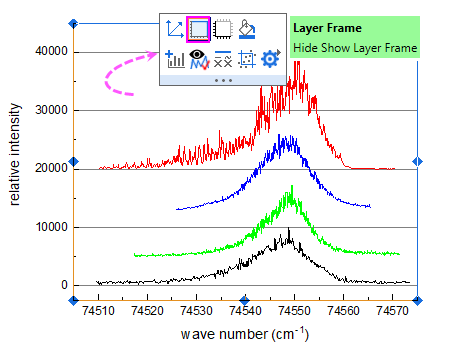
 to add a line frame on the graph.
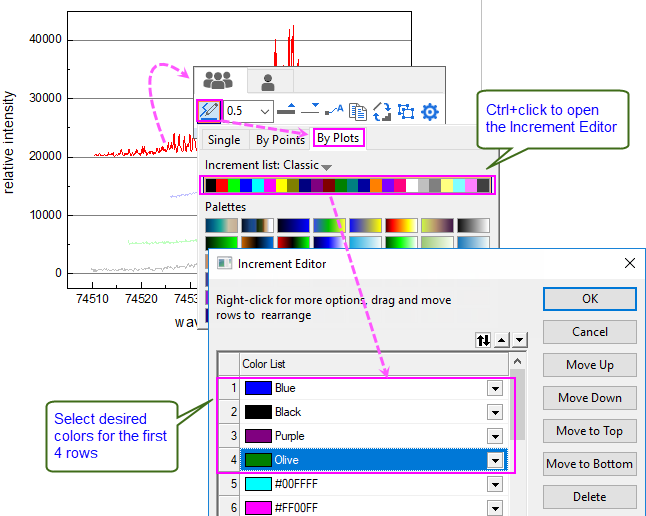
 to expand the color chooser. Under the Group tab
  , select By Plots sub-tab, by pressing Ctrl key, click the current color list to open the Increment Editor dialog to change the first four colors for the 4 plots.
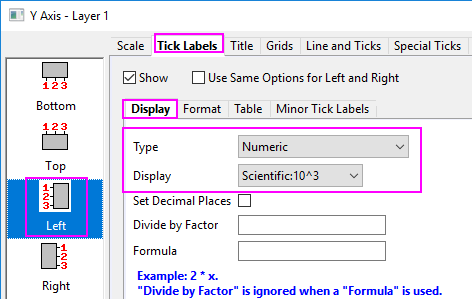
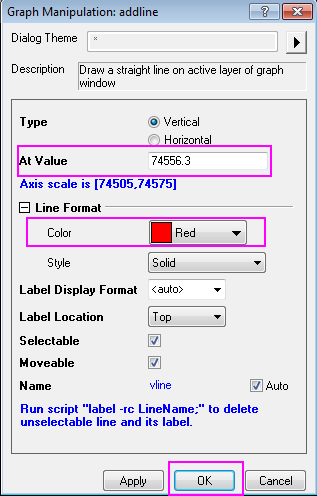
 and
and  in Format toolbar is helpful when creating superscripts and subscripts. Entering the content as shown in graph below:
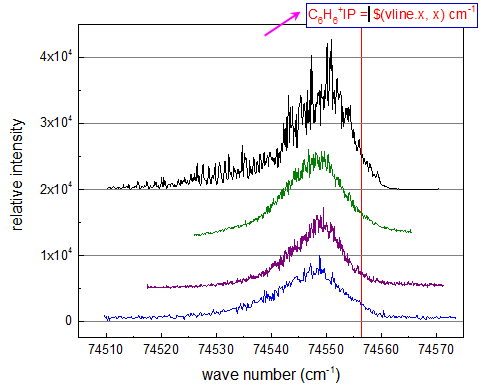
 | There are 2 ways to edit text labels:
|