button on the Standard toolbar or press Alt+4.
Everything you need to develop your Origin C programs or LabTalk scripts is in this window:
button on the Standard toolbar or press Alt+4.
Everything you need to develop your Origin C programs or LabTalk scripts is in this window:
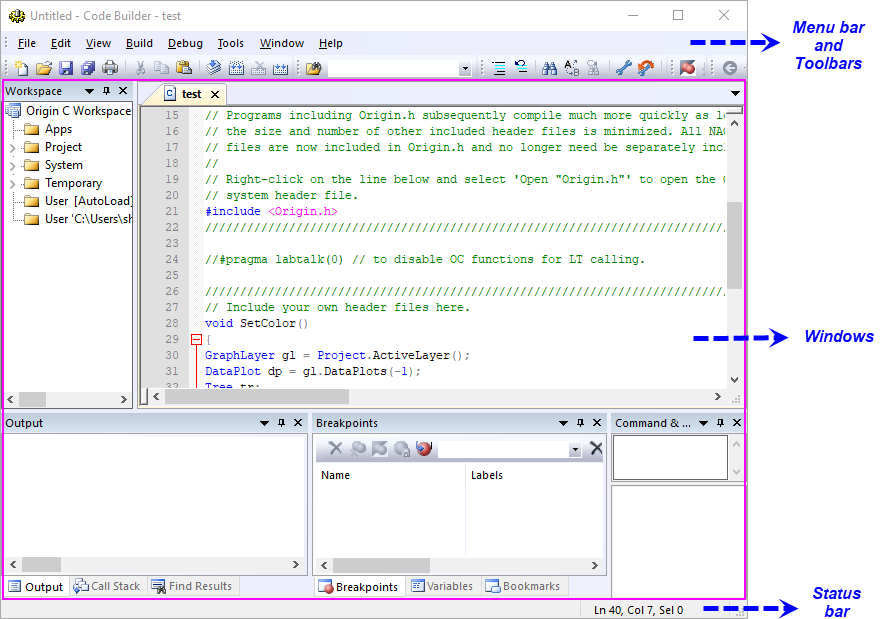
Code Builder is the Origin C integrated development environment. It provides standard tools for writing, compiling, and debugging Origin C programs and LabTalk scripts. To open Code Builder, click the View: Code Builder menu item or click the button on the Standard toolbar or press Alt+4.
Everything you need to develop your Origin C programs or LabTalk scripts is in this window: