Tutorial for Trend Analysis Tool
Steps in Origin
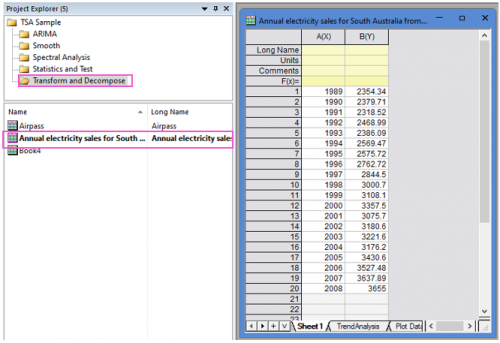
- Open the sample project file in Origin, go to Folder Transform and Decompose using the Project Explorer. Activate the workbook Annual electricity sales for South Australia from 1989 to 2008.
- Highlight column B in worksheet. Click the Time Series Analysis App icon
 in the Apps Gallery window.
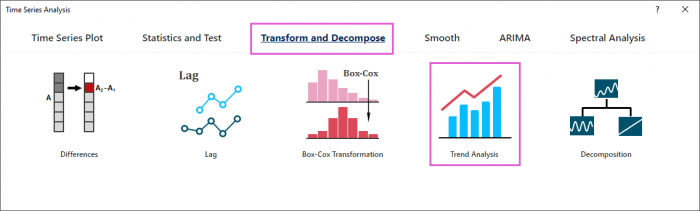
 - Choose Transform and Decompose tab. Click Trend Analysis icon to open the dialog.
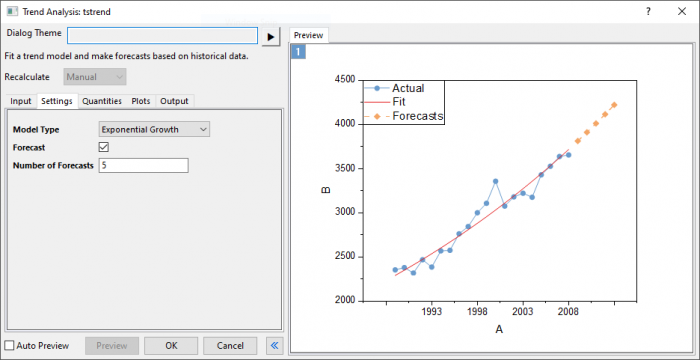
- In the Setting tab,choose Exponential Growth model type. Enter 5 in Number of Forecasts box.
- Click Preview button to display fitted curve with forecasts against actual data.
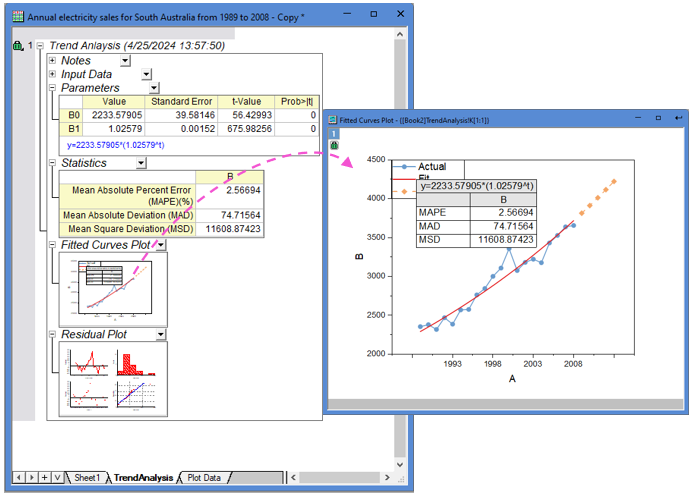
- Accept all other default settings and click OK button