



|
|
|
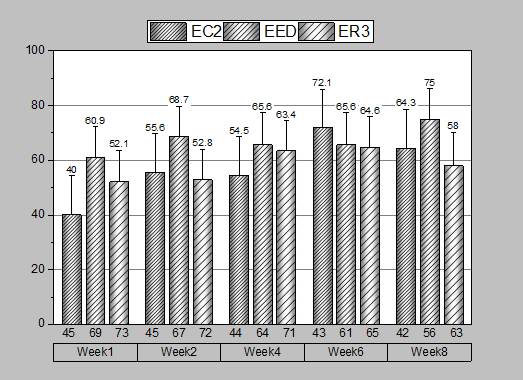
Origin supports grouped column graphs with indexed data. Multiple group levels are supported. Grouping information can be shown in tick label tables on the X or Y axes.
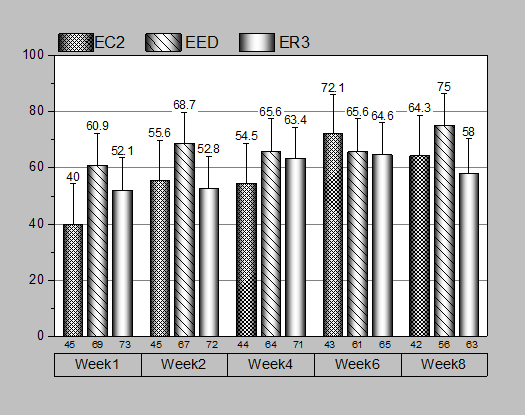
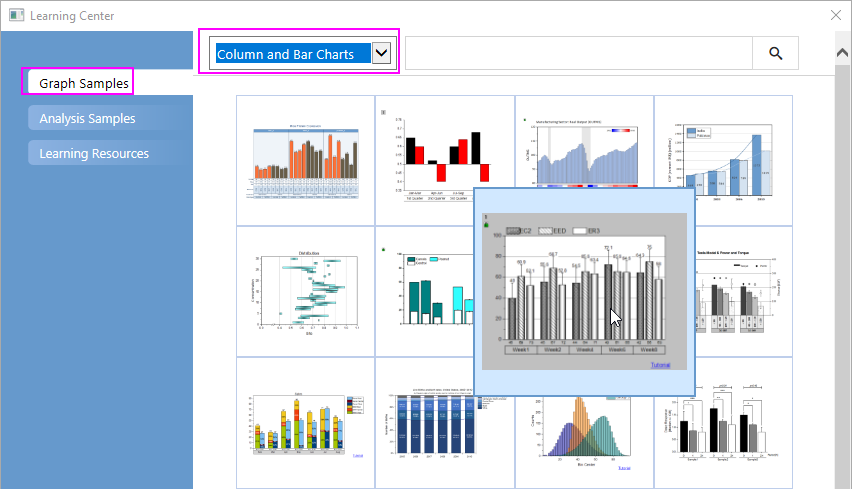
This tutorial will show you how to
 in the "Group Column(s)" to add columns B, C, and F (in that order) to the Group List. Click the OK button.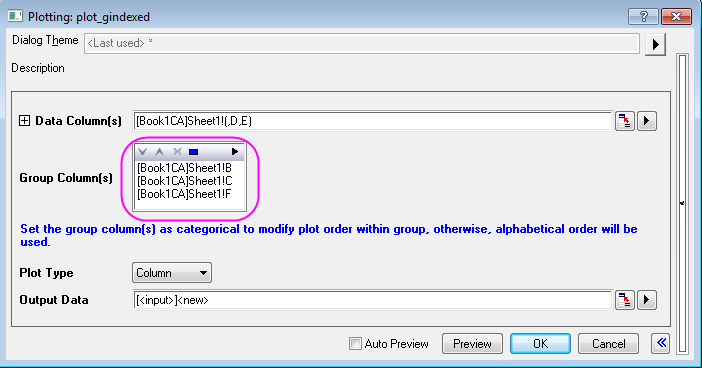


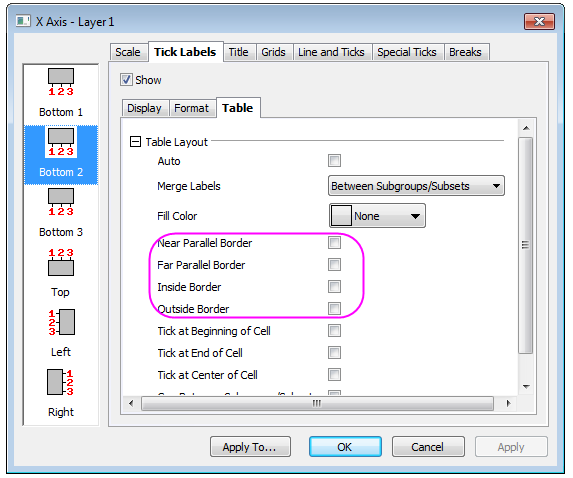
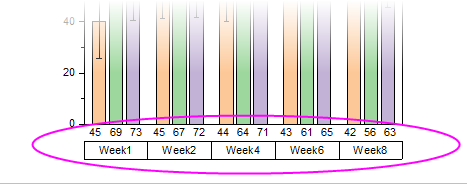
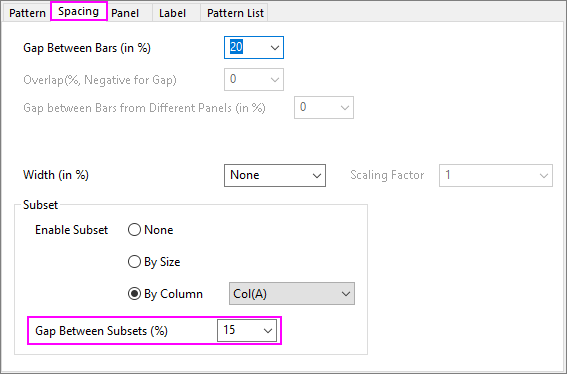
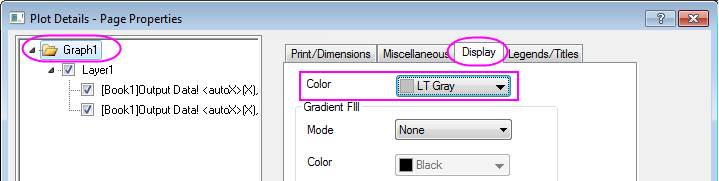
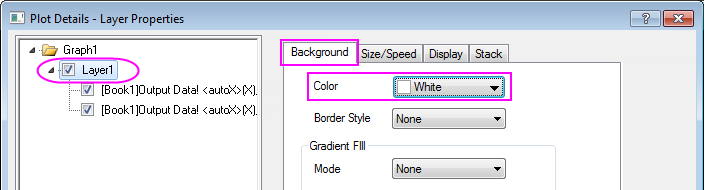
The tutorial steps that follow, further customize the graph so that it looks like the image in the Summary section.
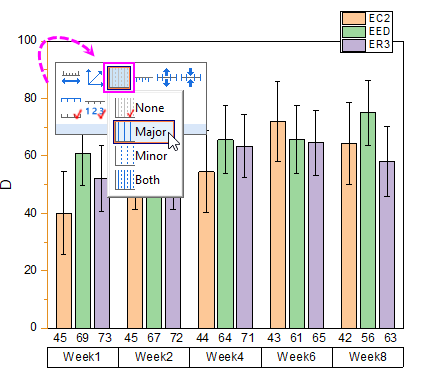
 to select Major from the drop-down list to add major grad lines for the graph.
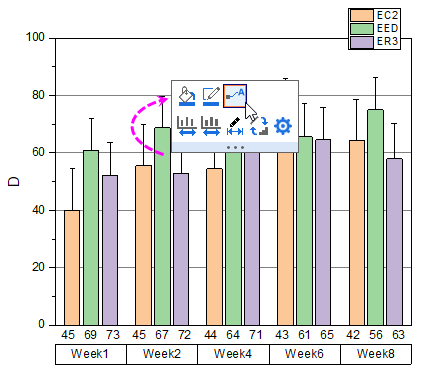
 to select Plus Y Error from the list to just show the plus Y errors.

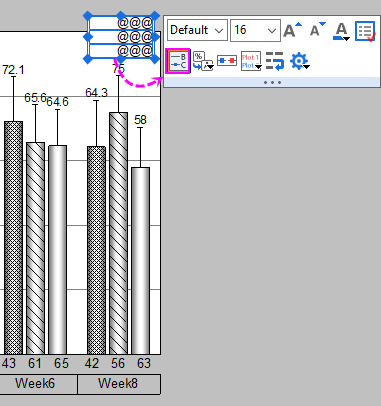
 to show the labels at the top of the error bars.
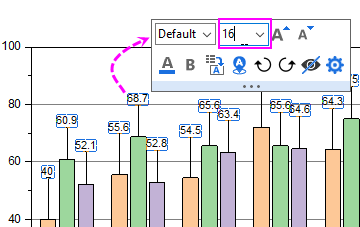
 | To format the label values, you can double-click on the labels to open the Labels tab of Plot Details dialog to set the Numeric Display Format drop-down list. For instance, to show a single decimal place for each label, enter ".1", then click OK. For more information, see Custom Numeric Formats |



| To center and adjust margins on a finished graph, click on the graph to activate it, then choose Graph: Fit Layers to Page. Enter your Margin and determine whether to Maintain Layer Aspect Ratios, then click OK. |