4.3.7 Convolution
Convolution
Summary
Convolution is commonly used in signal processing. Origin uses the convolution theorem, which involves the Fourier transform, to calculate the convolution.
What You Will Learn
With this tutorial, you will learn how to perform convolution in Origin.
Steps
- Start with a new workbook.
- Import the data <Origin Installation Directory>\Samples\Signal Processing\Convolution.dat.
-
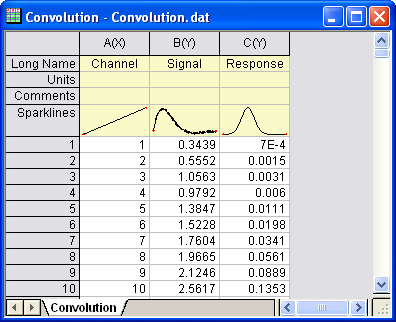
- Highlight column B and C, and from the menu select Analysis: Signal Processing: Convolution.... This opens the Convolution: conv dialog box. In the dialog, column B is labelled as Signal, and column C as Response and the Sample Interval will be set according to the input signal's associated X column.
- Expand the Options node and change Convolution Type to Circular, to repeat the data within range for the data outside range, but not pad with zeroes.
-
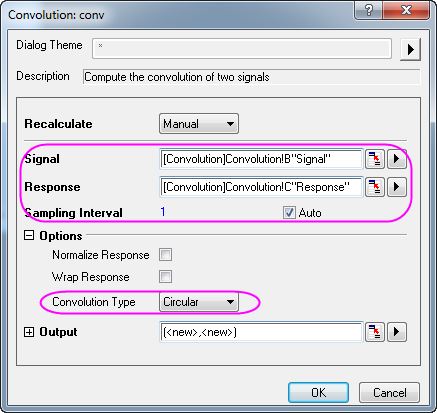
- Click OK to obtain the result.
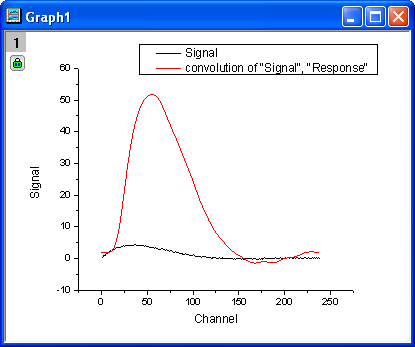
- In the worksheet, highlight column B and E (press CTRL to select non-adjacent columns), then from the menu select Plot: Line: Line to make a graph with input signal and the output signal.
-