Hinweis:Dieser Abschnitt ist nur in englischer Sprache verfügbar. Wir bitten um Ihr Verständnis.
5.29 FAQ-708 How do I permanently change the value of a system variable?
Last Update: 1/24/2024
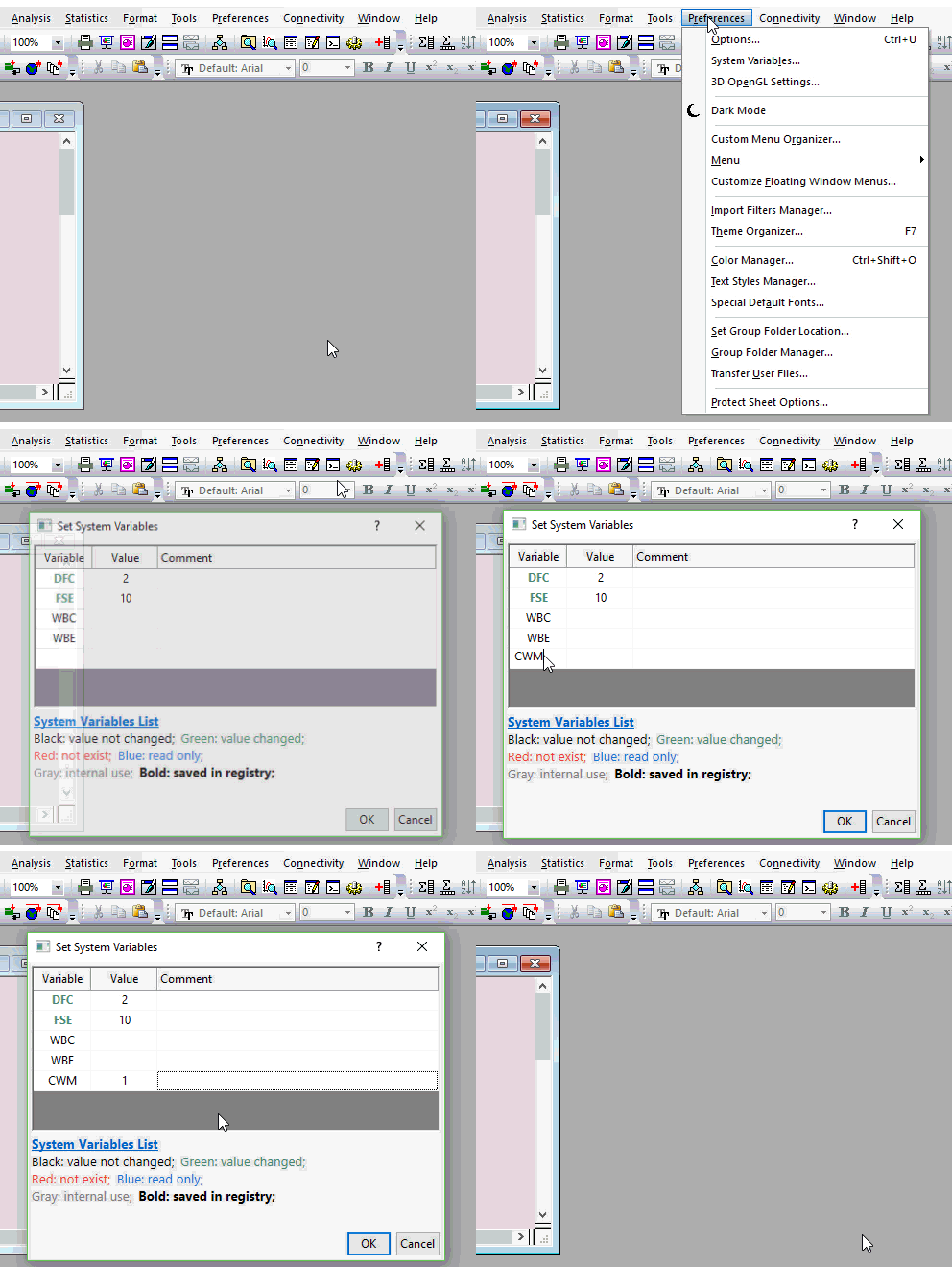
You can change the value of a LabTalk ("@") system variable by clicking Preferences: System Variables and entering the Variable and an allowed Value into the dialog box. Optionally, add a Comment to remind you what the "@" variable controls.
Notes:
|
Keywords:System Variable, "@" Variable, Set System Variables, session, system, variables