1.274 FAQ-1133 How do I hide the speed mode banner?
Last Update: 6/7/2022
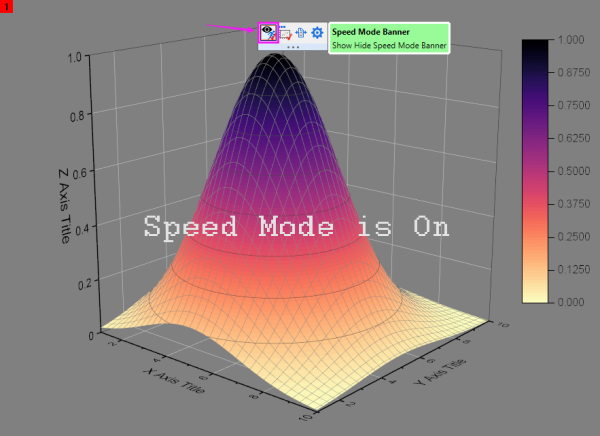
To toggle the speed mode banner, click the edge of the page to open the page level mini-toolbar, and click the Speed Mode Banner button.
 | There is a global setting in the Graph tab of the Preferences: Options dialog to turn off the speed mode banner. This setting is also available in versions prior to 2022b. Note that when the Options box is cleared, the Speed Mode Banner button does not show on the Mini Toolbar. |
See also:
- FAQ-444 What is Speed Mode and how does that affect my graph and my graph export?
- FAQ-620 How do I shut off speed mode for all my graphs?
Minimum Origin Version Required: 2022b SR0
Keywords:Speed Mode watermark turn off