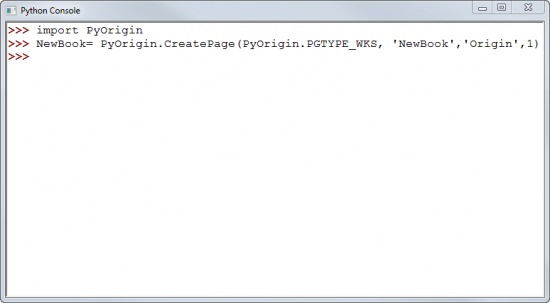
25.4 Python Console
The Python Console is useful for simple execution of Python script. For a more feature-rich development environment, see Running Python Code > Code Builder.
To open the Python Console click Connectivity: Python Console.
To reset the Origin Python environment, choose Window: Script Window and run the following command:
run -pyr;
 | Beginning with Origin 2021b, Intellisense (auto-completion) is enabled by default. You can disable Intellisense by setting system variable @NPYC = 0. For information on changing the value of a LabTalk system variable see FAQ-708 How do I permanently change the value of a system variable? |
To learn more about working with Python in Origin, see this page.