9.3.7.35 The (Plot Details) Integration Tab
This tab is only available when you create a Streamline plot. It provides controls to custom the integration direction, step size and maximun steps for the Streamline.
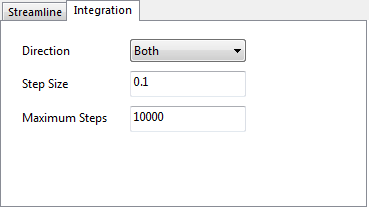
Contents
Direction
Specify integration direction from startion point. You can select Forward, Backward and Both in this dropdown list,
Step Size
Type the desired step size in this text box. By default, Step size = 0.1. If set a value smaller than limitation, reset it to limited step size.
Maximun Steps
Type the desired maximun stepse n this text box.