2.1.1 Learning Center
Contents
Overview
The Learning Center dialog helps users get started with Origin. It opens upon launching Origin
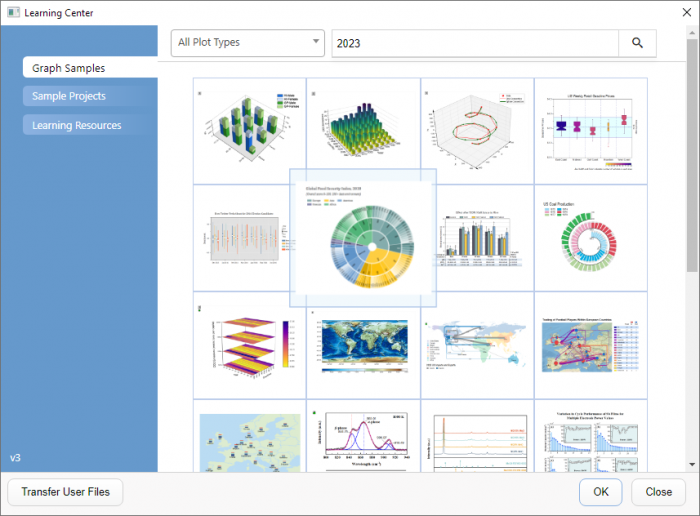
To open Learning Center
- Select Help: Learning Center from Origin menu
- or
- Press F11 key
Usage
Opening Graph Samples and Sample Projects
Choose Graph Samples or Sample Projects from the Open section to view samples Origin provides.
A lot of graphing and analysis samples are provided, you can pick the graph thumbnail(for graph samples), or choose from the list box (for analysis sample projects), double click on it. It will only open the corresponding folder with instruction. You can replace with your data to see how graph and analysis update
 | You can search graph samples by typing keywords and phrases in the Search box |
Getting Started with Origin
The Learning Resources section provides list of tutorials and videos to help user get start with Origin.
Transferring User Files
The Transfer User Files button in the bottom enable you to move files from your previous User Files Folder to your new Folder.