8.6.5.13 The (Object Properties) Arc tab
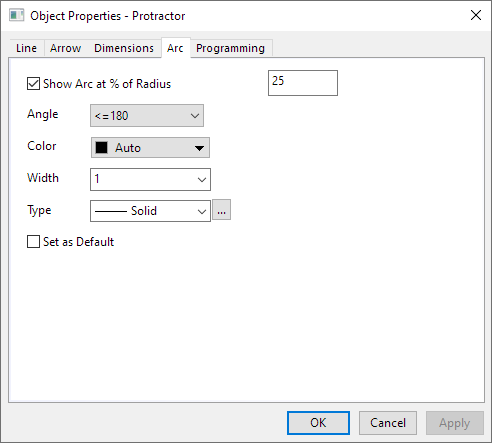
When add an Angle Annotation on the graph, you can control the display of the Arc in this tab.
In the Arc tab, you can specify the Radius, Angle, Color, Width and Type of the Arc for Angle Annotation object.
- Uncheck the Show Arc at % of Radius, then the Arc will be hidden.
- For information on defining custom dash lines (Type control), see the Plot Details Line tab Help page.
- Check the Set as Default checkbox to apply this tab settings to the currently selected object and to all future objects of the same type.