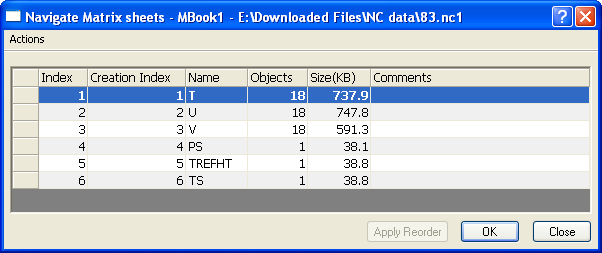
5.3.2 The Navigate Matrixsheets Dialog Box
Nav-Mats-Dialog
The Navigate Matrixsheets dialog is similar to the Navigate Worksheets dialog. Use it to manage the matrixsheets in the current matrixbook.
With this dialog, you can:
- Find and activate a matrixsheet.
- Sort sheets by name, size, column size, type, or other factors.
- Move, duplicate, drag, clear and delete selected sheets.
- Add comment in the Comments column for a matrixsheet.
For more information on managing sheets, please see the Navigate Worksheets dialog's Help files.