 in the Styles toolbar.
The lighting control dialog is an implement of the Lighting tab. To bring up the dialog, activate a 3D openGL graph and click the Lighting Control Dialog button in the Styles toolbar.
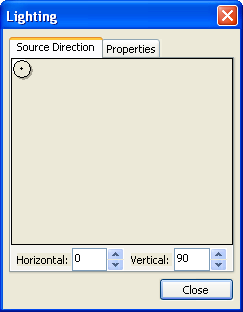
To control the direction of lighting source, you need to:
Click on the graphical control button and move it arbitrarily.
or
Enter number of angles of horizontal and vertical direction.
The default position of light source is 0 at horizontal and 90 at vertical.
The possible range of light source is 0 to 360 for horizontal and 90 to -90 for vertical.
Horizontal angle equals 0 is equivalent to that equals 360.
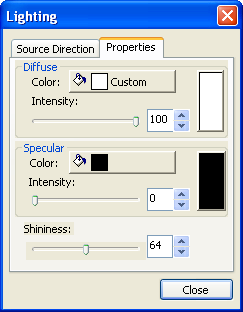
To change the effect of diffuse light, you can
A preview effect combined of color and intensity is shown in the right simultaneously with the change of settings, also the effect is shown real-time in the original graph.
The default color is White and default intensity is 100.
To change the effect of specular light, you can
The default light color is Black, intensity of 0 and shininess of 64.