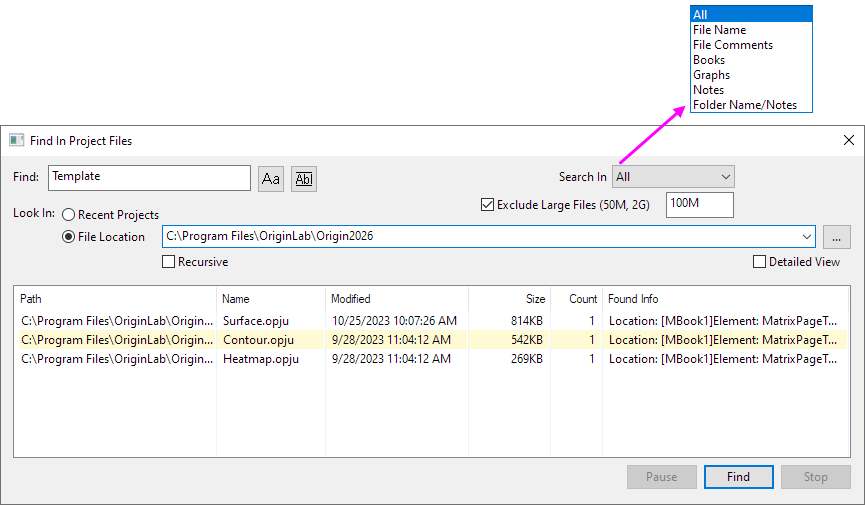
Origin supports a Find in Project Files tool to search content inside Origin project files (.opju, opj) such as sheet name, notes and metadata.
To open the Find in Project Files dialog:
or
or
or
or
or
or
This find enter box supports wildcards (* and ?).
 Use this button to specify whether or not the search is case-sensitive.
 Use this button to specify whether or not the search is matching whole word.
Specify searching range in All/ File Name/ Books/ Graphs/ Notes/ Folder Names
Select this check-box to exclude the large files when search to make the searching processing fast. And file size limitation can be entered in the right side box.
Select this check-box to search content in the recent project files.
You can specify the path of the file location. Then it will search content in the project files in this specified location.
Select this check-box to search content not only on the folder of the specified path, but also include its subfolders.
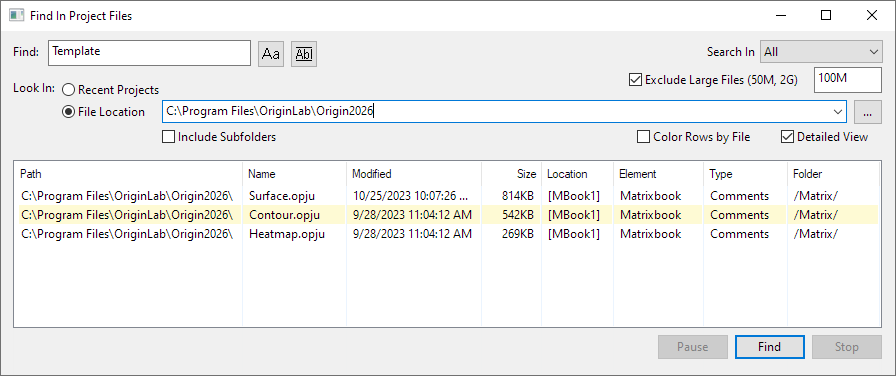
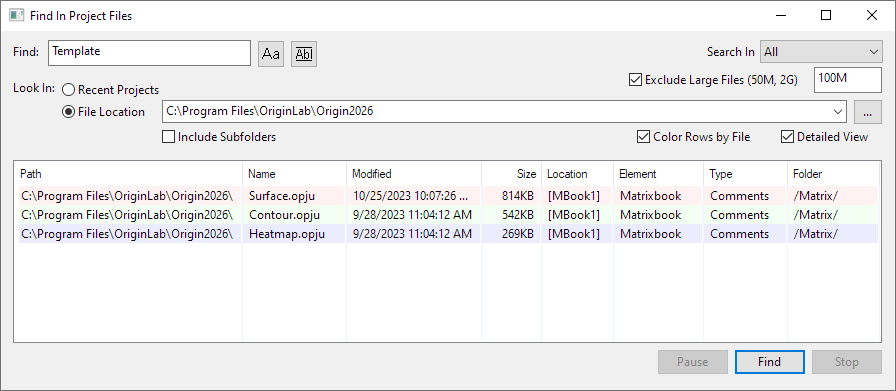
After check the Detailed View option, you can click this check box to distinguish the project information in each row
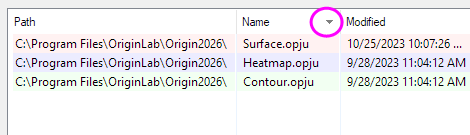
Click on the header of the columns in the list box to sort the searching result by the column.
If the finding processing is slow or pass a long time, you can click the Pause or Stop button to stop it. After click Pause button, you can click the Resume button to resume the finding processing.