29.6.4 Double X - Independent XY Graph
DoubleX-IndependentXY
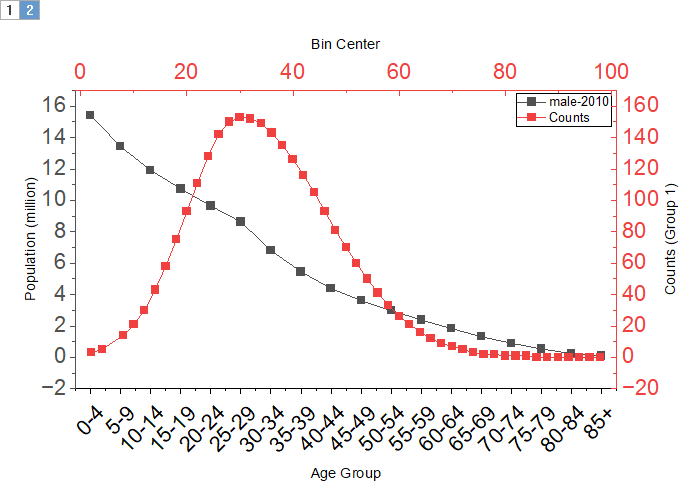
Data Requirements
Select 2 sets of X(Y) data or at least 4 columns to create double X plot. The 2nd set of X(Y) use indepenedent axes.
Creating the Graph
Select required data.
Select from the main menu.
Template
dxindxy.otpu (installed in the Origin program folder).
Notes
This graph contains two layers which have independent XY. By default, bottom X and left Y construct the first layer, top X and and right Y construct second layer.
- When the number of X columns in selection is equal or mare than 2, the first set of X(Y) should be plotted into 1st layer, 2nd set into 2nd layer, 3rd into 1st layer, and so on.
- When the number of X columns in selection is less than 2, all selected columns will be considered as XYXY..., 1st pair of data columns should be plotted into 1st layer, 2nd into second layer, 3rd into 1st layer and so on.
- When the number of columns in selection is less than 4, a message box will pop up to remind you selecting 2 sets of X(Y) data or at least 4 columns.
- When the number of columns is equal or more than 4 and the number of X columns in selection is less than 2, if the number of columns is odd number, then we can treat last column as Y column.
Version Information
| Minimum Version: Origin 2026
|