31.16.9 Color Fill Surface with Error Bar
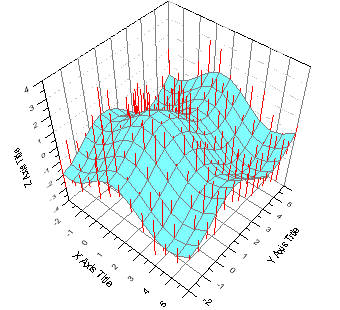
Data Requirements
You need to have two matrix objects in the same matrixsheet. The matrix object that contains the surface data should be active.
 | You also can add error bars to the existing Color Fill Surface graph, by using Plot Details dialog. |
Creating the Graph
Activate the matrix object that contains the surface data.
From the menu, choose .
or
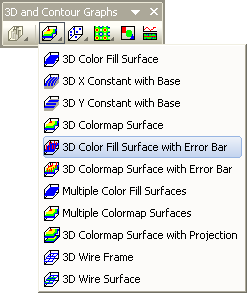
Click the 3D Color Fill Surface with Error Bar button on the 3D and Contour Graphs toolbar.
Template
- gl3dmesherror.OTP (OpenGL)
- 3DMESHERROR.OTP
(Installed to the Origin program folder).