 button in the Graph Page Mini Toolbar to add the title.
From Origin 2023, Mini toolbar button supports to add Graph page title (for multi-layer graph) or Layer title. And there is a easy way to custom the width of the title.
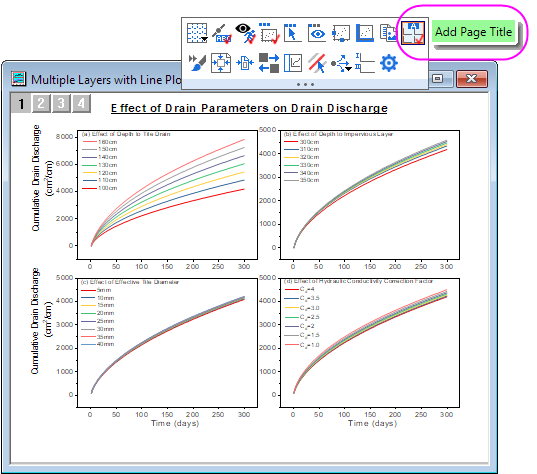
In the multi-panel graph, click the Add Page Title button in the Graph Page Mini Toolbar to add the title.
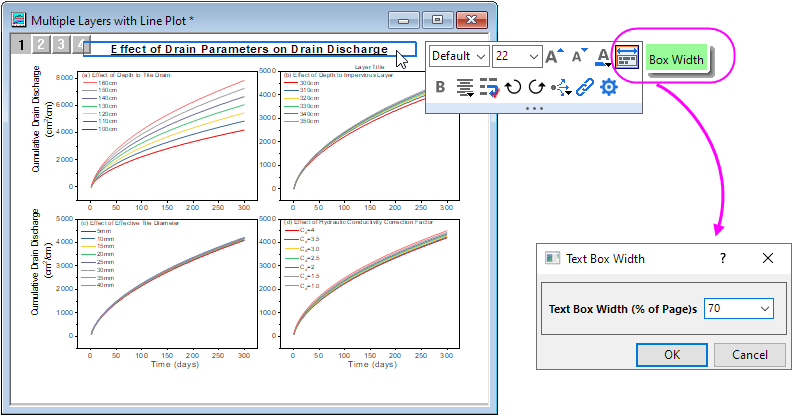
_PTITLE.box=80
//Run this script. It can set page title box size to 80% of page width.

_PTITLE.box=1
//Run this script. The page title box can drag the handles around box to resize it.

_PTITLE.box=0
//Run this script. It will return to old text object behavior.  The size of text box will be decided by wrap result.
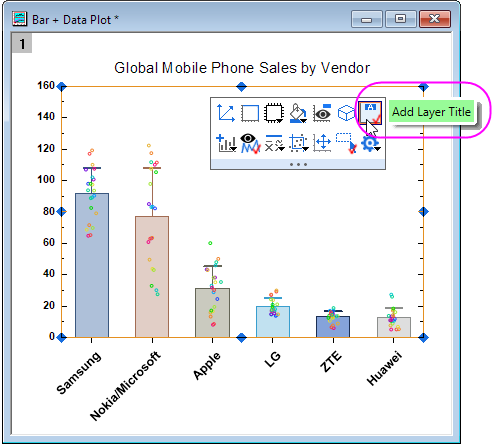
To add layer title, click Add Layer Title  button in the Layer Mini Toolbar.
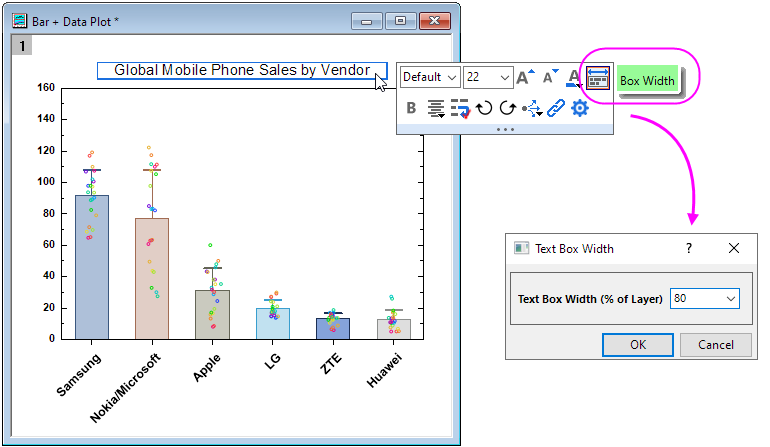
_TITLE.box=60
//Run this script. It can set layer title box size to 60% of layer width.

_TITLE.box=1
//Run this script. The layer title box can drag the handles around box to resize it.

_TITLE.box=0
//Run this script. It will return to old text object behavior. The size of text box will be decided by wrap result.
<lt>