31.5.1 2D Color Pie Chart
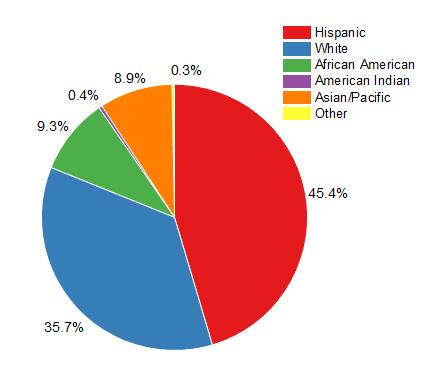
Data Requirements
Select exactly one Y column of values (or a range from one column).
Creating the Graph
Select required data.
From the menu, choose .
or
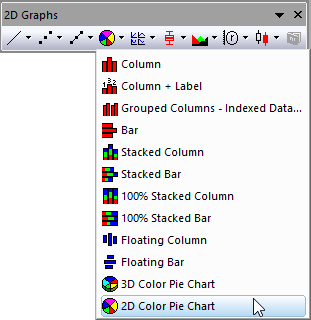
Click the 2D Color Chart button on the 2D Graphs toolbar.
Template
PIE2D.OTP (installed to the Origin program folder).
Notes
The selected values are summed, and the percentage of the total is determined for each selected value. The pie chart displays the percentage of the total for each selected value as a pie section.
Since Origin 2020, Origin's 2D pie chart supports to
- Change the View Angle to make the 2D pie to be a 3D pie.
- Set the radius of the wedges to be incremental.
- Reorder the wedges.
- Explode one or more wedges from the pie.
- Combine wedges by specifying a threshold percentage/value or your custom selection.
- Show the combined wedges as a connected pie/column/doughnut plot
- Show all wedges as a incomplete pie.
- Add a doughnut hole into a pie chart to show it as a doughnut plot
Reference
To customize the viewing angle, rotation,radius and center, see The (Plot Details) Pie Geometry tab.
To customize the wedges, such as exploding and combining the wedges, see The (Plot Details) Wedges Tab.
To customize the labels of wedges, see The (Plot Details) Labels tab.