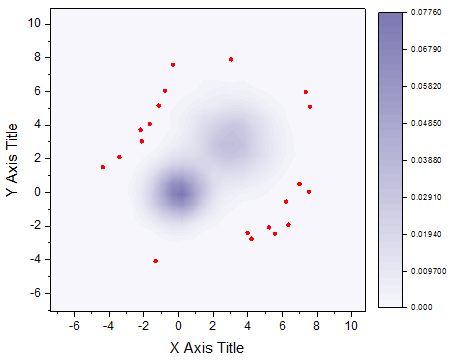
Select one Y column or a XY column range from a worksheet.
Select required data.
From the menu, select .
or
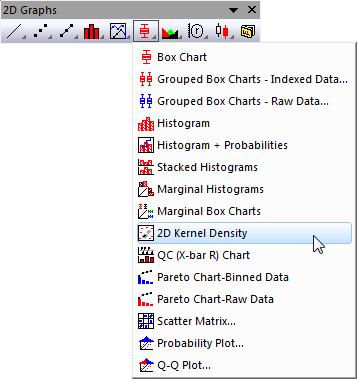
Click the 2D Kernel Density button on the 2D Graphs toolbar.
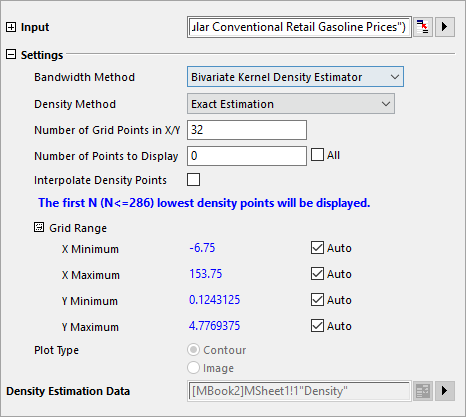
Origin opens the plot_kde2 dialog box.
kdCONTOUR.OTP (installed to the Origin program folder)
For information about the creating and calculation of the 2D Kernel Density plot, please refer to 2D Kernel Density plot.