3.16 Analysis Template
This example shows how to load an analysis template into multiple subfolders in Origin and then for each, we put in some simulated data and have the non-linear-fit(Gaussian in this case) to be automatically recalculated. More specifically, the VI demonstrates the following:
- Creating subfolders in Project Explorer and load an analysis template into it
- Sending XY data (float32 array in this case) to named sheet (Data in this case) in the template
- Run the analysis template and active a named sheet(Summary in this case) to show fit results
At the end of running the VI, you will have an OPJ file with 3 subfolder(Fit1, Fit2, Fit3), each contains a fit to different data.
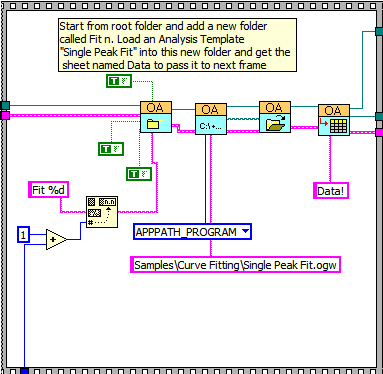
- The following block shows how to create a new subfolder from the root and load an analysis template from a relative path into the newly added subfolder
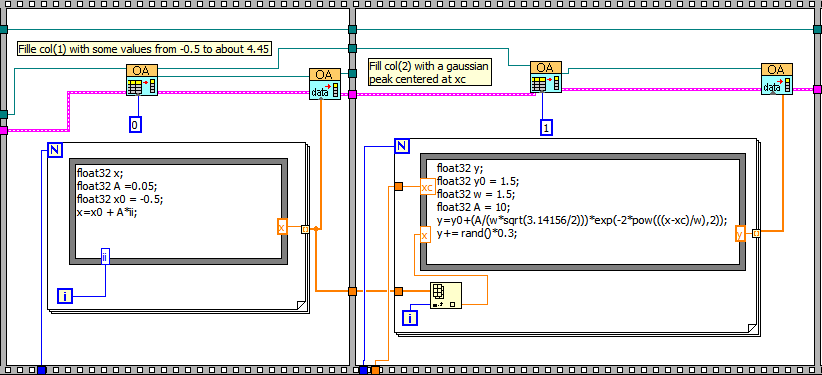
- The following block shows how to send data to Origin, with X data (float32 1D array in this example) to col(1) and Y data to col(2) in the sheet named Data obtained from the previous frame.
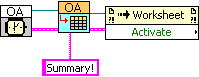
- The following block shows how to run an analysis template, and then how to activate a sheet (Summary) to show fit results