1.12 Soil and Rocks Classification Diagrams
Summary
The Soil and Rocks Classification Diagrams app can be used to provide you a few popular ternary plot templates to show the relative compositions of soils and rocks.
Tutorial
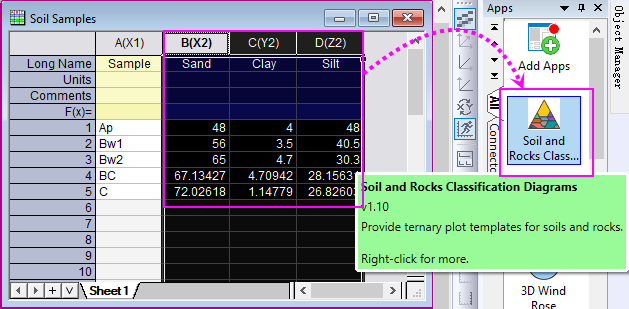
- Start this tutorial with the app Soil and Rocks Classification Diagrams installed. If you have not installed this app, please click Add Apps button in Apps Gallery to open App Center to search and install the app.
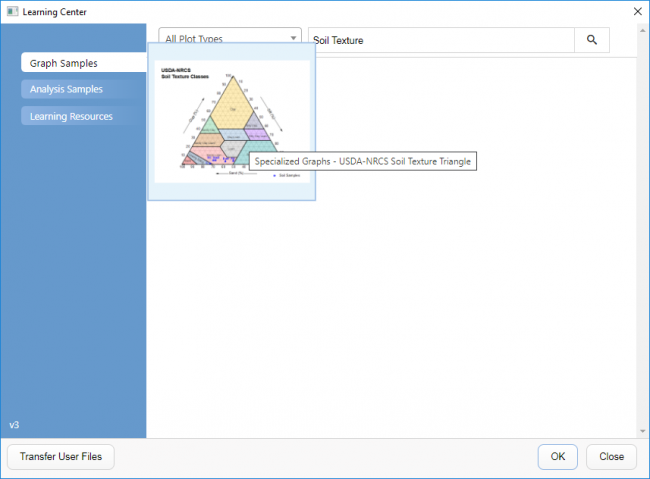
- Select Help: Learning Center to open Learning Center. In this dialog, search "Soil Texture" to find the sample below and double-click to open it.
- Activate the workbook "Soil Samples" and highlight col(B)~col(D), click on the app icon to open the app Soil and Rocks Classification Diagrams.
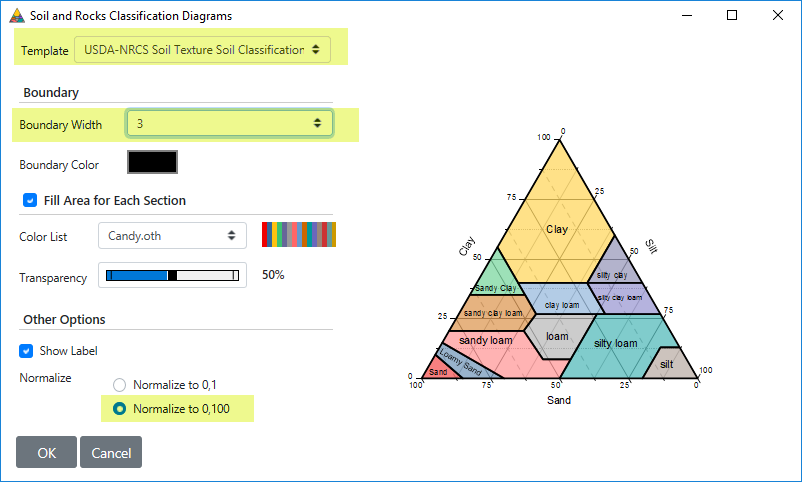
- In the app dialog, select the template USDA-NRCS Soil Texture Soil Classification and customize the diagram as below:
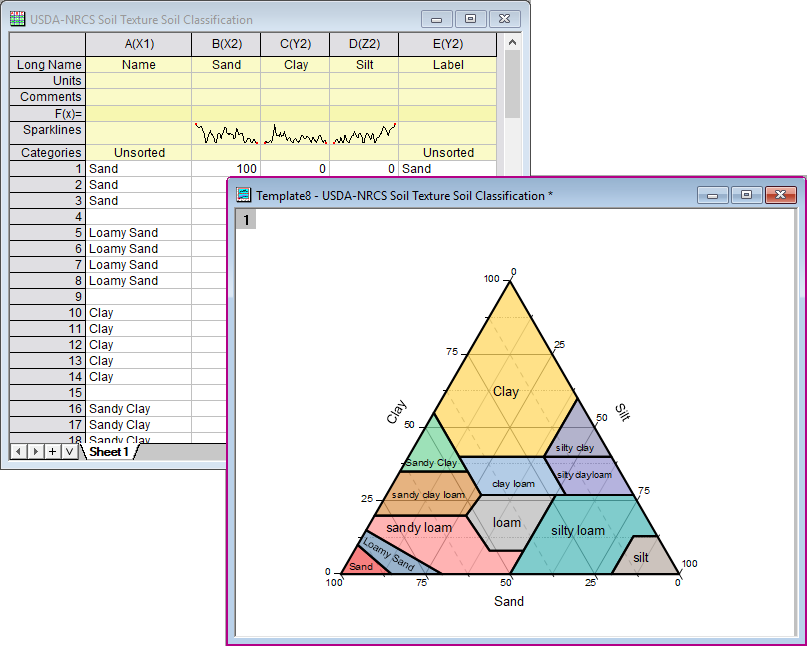
- Click OK button. A new folder will be created, and a sheet "USDA-NRCS Soil Texture Soil Classification" and a Soil and Rocks Classification diagram will be created and put into this new folder.