2.62 Rank Models by Fit Reports
Summary
This Rank Models by Fit Reports app can be used to rank fitting functions by fit reports. It can find the optimal model by AIC, BIC, Adj. R-Square, Reduced Chi-Sqr or Residual Sum of Squares.
Tutorial
Prepare Fit Reports
- With a worksheet window activated, select Data: Connect to File: Text/CSV in the menu to import the sample file <Origin program folder>\Samples\Samples\Curve Fitting\Exponential Decay.dat.
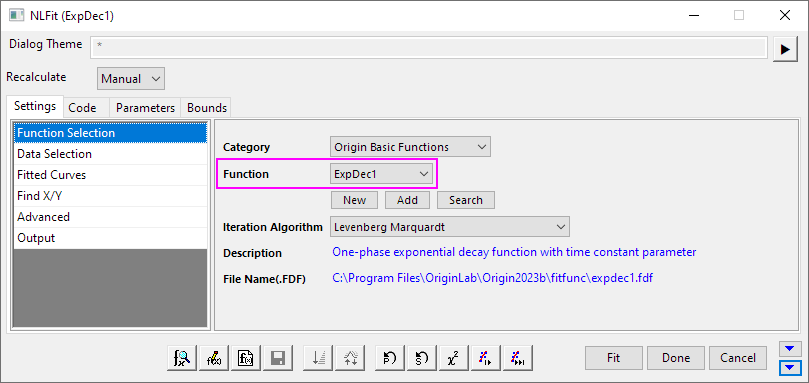
- Highlight Column A and B, choose Analysis: Fitting: Nonlinear Curve Fit menu to open NLFit dialog. Select ExpDec1 as Function, and fit the dataset.
- The Fit Report is output in the FitNL1 sheet.
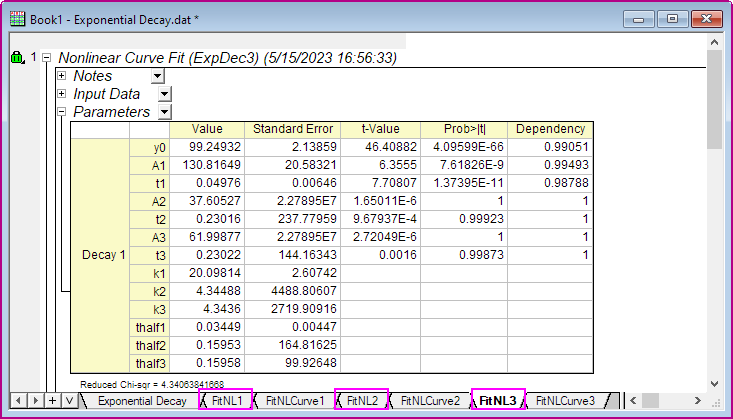
- Follow above steps, fit Column A and B dataset by ExpDec2 and ExpDec3 function.
- Now, we have three fit reports by three functions for the same source data.
Rank Models by Fit Reports
Here, show how to use Rank Models by Fit Reports app to find the best fitting function according to given fit reports.
- Click Rank Models by Fit Reports icon
 in Apps Gallery window.
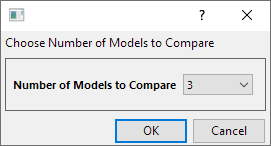
- In the opened dialog, choose 3 for Number of Models to Compare. Click OK button.
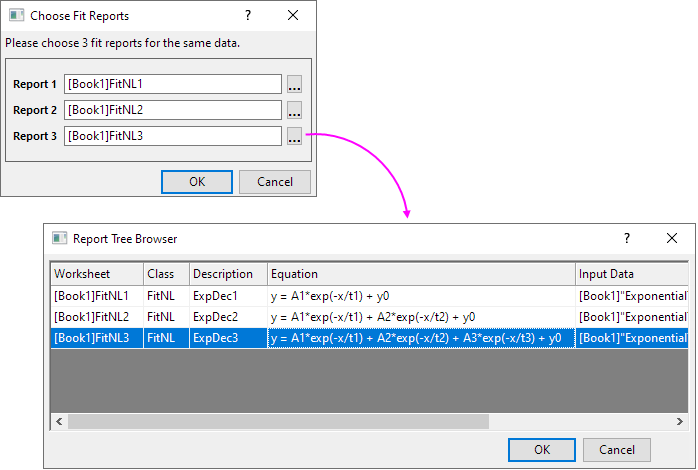
- In the Choose Fit Reports dialog, select three fit reports. Click OK button.
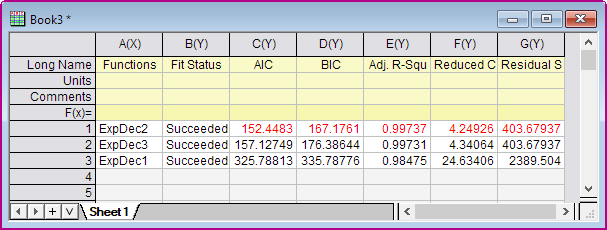
- A summary worksheet will be shown. It is sorted by BIC. BIC result shows ExpDec2 function is the best model. The output sheet also shows rank results according to other methods, e.g. AI, Adj. R-Square, Reduced Chi-Sqr and Residual Sum of Squares. The optimal models determined by these methods are marked in a red color. In this example, all methods show that ExpDec2 function is the optimal model.