2.37 Factor Analysis (Pro)
Contents
Summary
This Factor Analysis app will use a small number of latent variables to explain variability among many observed variables.
Tutorial
- Import the sample file <Origin Program Folder>\Samples\Statistics\Protein Consumption in Europe.dat. Note: You can also right-click on the app icon to select Show Samples Folder, drag-and-drop the project file "FactorSample.opju" into Origin workspace to open it.
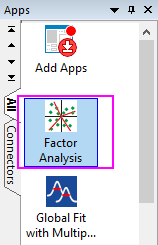
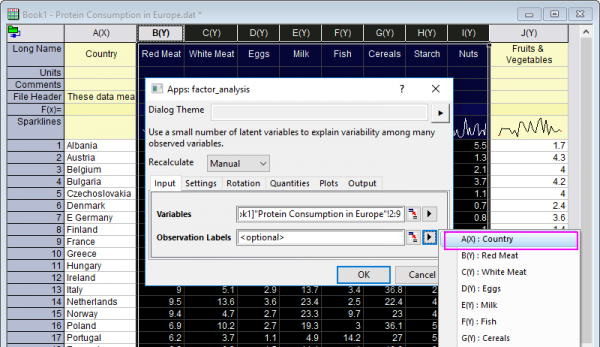
- Select columns B~I, and then click the Factor Analysis icon in the Apps Gallery window to open the Apps: factor-analysis dialog.
- Columns B-I will selected as Variables in Input tab, and choose column A as Observation Labels.
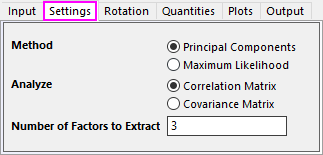
- In Settings tab, choose Principal Components method, analyze Correlation Matrix, set 3 to Number of Factors.
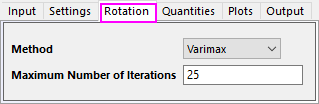
- In Rotation tab, choose Varimax method.
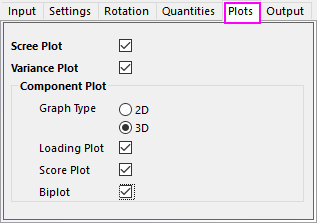
- In Plots tab, choose 3D graph type, and select Biplot.
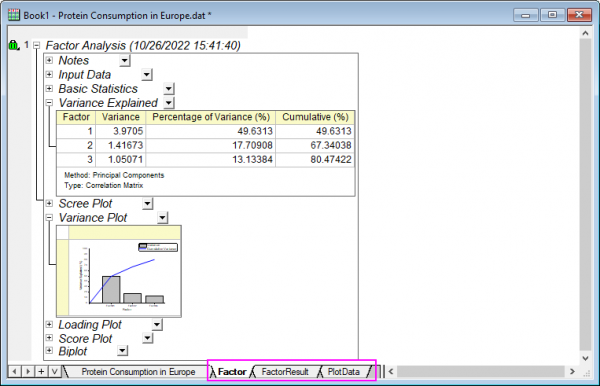
- Click OK button, a report sheet, a report data sheet and a plot data sheet will be created.