1.31 Extract Graph Data
Contents
Summary
This Extract Graph Data app is used to extract all the data plotted in a graph.
Tutorial
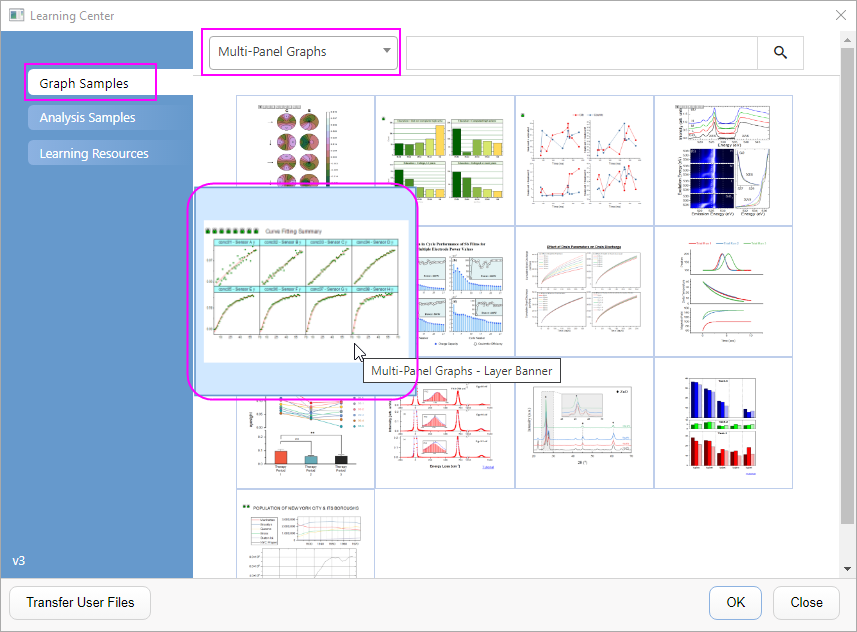
- Select Help: Learning Center in the menu.
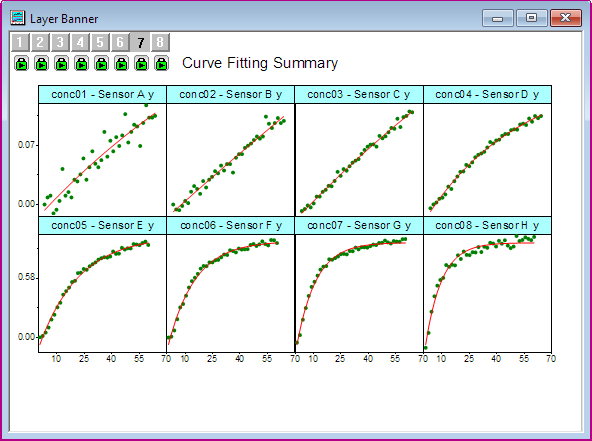
- In Graph Sample tab, select Multi-Panel Graphs in the drop-down list. Then double-click to select Multi-Panel Graphs - Layer Banner sample graph to open the project file.
- Active the Layer Banner graph, and click the Extract Graph Data icon
 in the Apps Gallery.
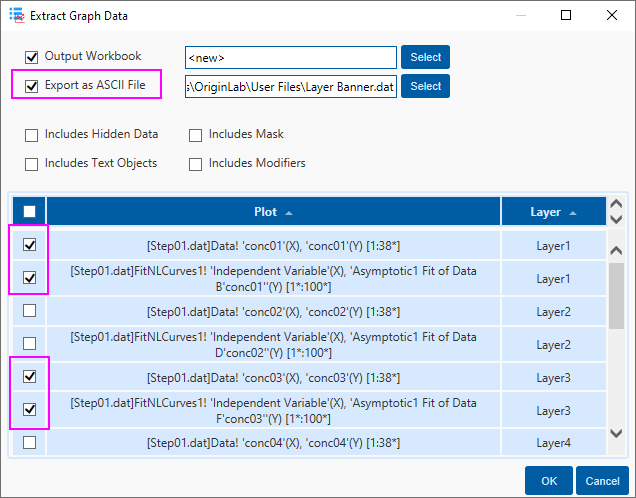
- In the Extract Graph Data dialog, check the Export as ASCII File option, and then select the 4 plots in Layer1 and Layer3. Click OK button.
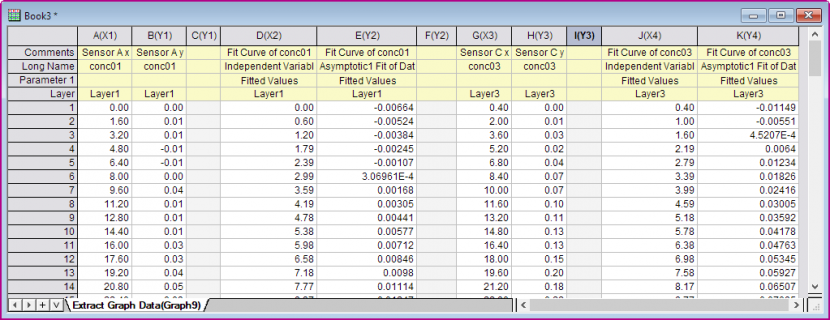
- A new Workbook is created for the extracted graph data. And the ASCII file Layer Banner.dat is exported in the User File folder