2.10 Curvature Radius App
This Curvature Radius App can be used to calculate the radius of curvature at a specified point. After install this app, there should be an app icon named Curvature Radius in Apps panel.
Examples
- Make an empty worksheet active, then select menu item File: Import: Single ASCII... to import the Gaussian.dat file, which is under <Origin Installation Directory>\Samples\Curve Fitting\, using the default settings.
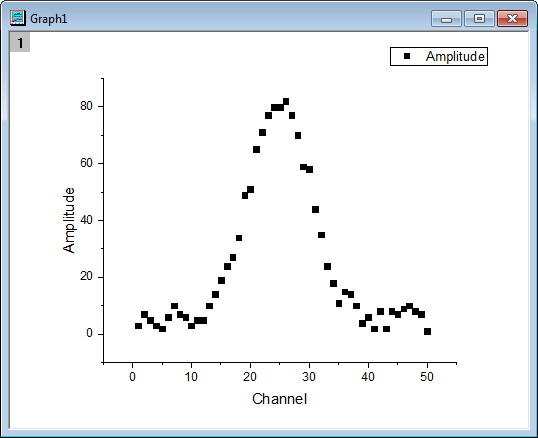
- Select column B, then choose menu item Plot: Symbol: Scatter to make a graph one plot.
- Make this graph to be the active window, Click Curvature Radius icon from Apps panel to bring up the Curvature Radius app.
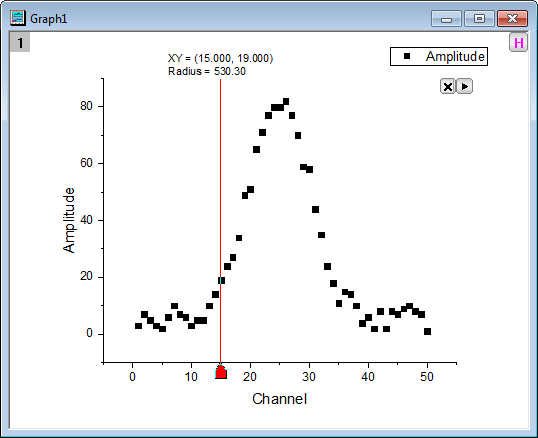
- Use the default settings and click OK button to add ROI to graph.
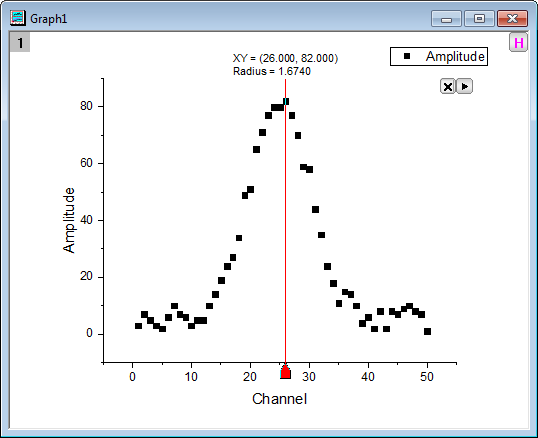
- Move the vertical line to the highest point, and then you can see the corresponding curvature radius is shown on the top of the vertical line.
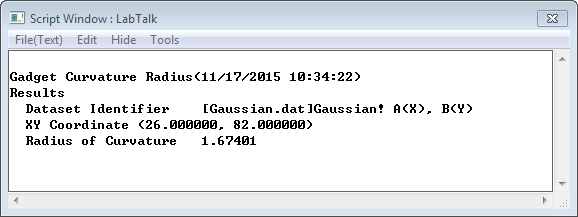
- Click the
 button, and then select New Output (O), then the result will be printed to Script Window.
Dialog Settings
ROI Box Tab
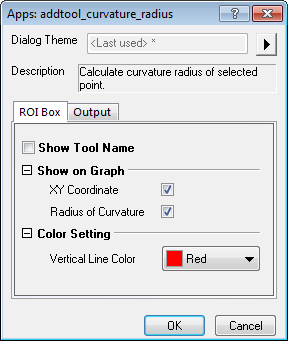
| Show Tool Name | Specify whether to show the tool's name near the top of the layer. |
|---|---|
| Show on Graph | Specify what to show on the graph.
|
| Color Setting | Specify the displaying color.
|
Output Tab
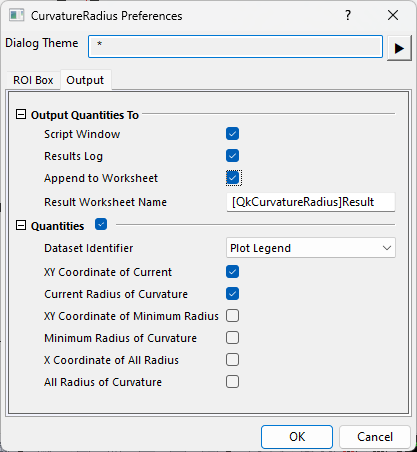
| Output Quantities To | Customize the output results
|
|---|---|
| Quantities | Specify the quantities to be outputted.
|
Fly-out Menu
Click the button at the upper-right corner of the layer to expand the fly-out menu, which includes the following options.
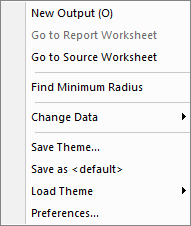
| New Output (O) | Output the results to the specified windows (Script Window or Results Log), and the specified worksheet (if not empty, append the results). |
|---|---|
| Go to Report Worksheet | Activate the report worksheet. |
| Go to Source Worksheet | Activate the source data worksheet. |
| Find Minimum Radius | Find the minimum radius in a specified x range and move the vertical line to that place. |
| Change Data | Select the source data set. This is applicable only when there are multiple curves on the graph. |
| Save Theme | Save the settings as a theme. |
| Save as <default> | Save the settings as default theme. |
| Load Theme | Load theme settings. |
| Preferences | Open the Curvature Radius Preferences dialog. |
Algorithm
In this gadget, the calculation for radius of curvature is assuming the curve is written in the form  , and then the radius of curvature is given by:

If the first order derivative or the second order derivative does not exist, the radius of curvature at that point does also not exist.