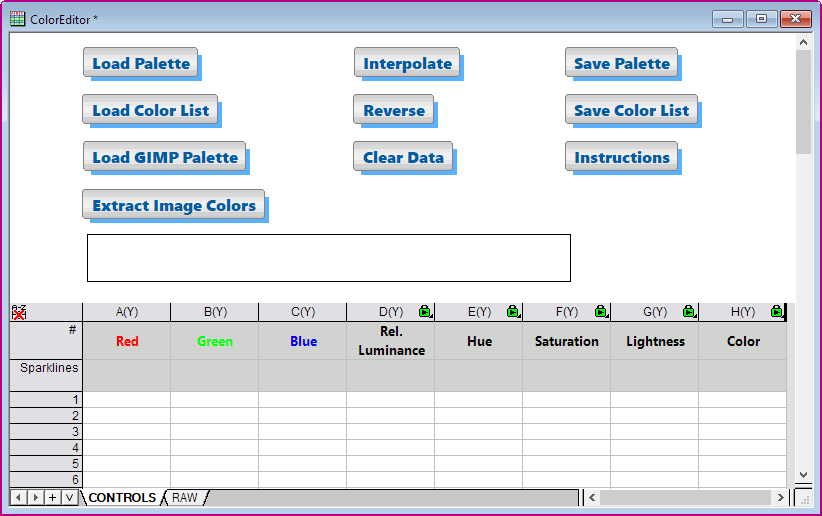
5.1 Color Editor
Contents
Summary
The Color Editor app can be used to:
- Load an existing Palette or Origin Color List (theme) file. Or enter your own data (see Create New Colors below).
- Modify colors using interpolation or reduction.
- Save colors to a Palette file (ASCII, Binary) or to a Origin Color List (theme) file.
Tutorial
- Click on the Color Editor icon
 to open the workbook template. In this template, you can edit the R,G,B value for a color in Column A to C. The values should be in the range of 0 to 255.
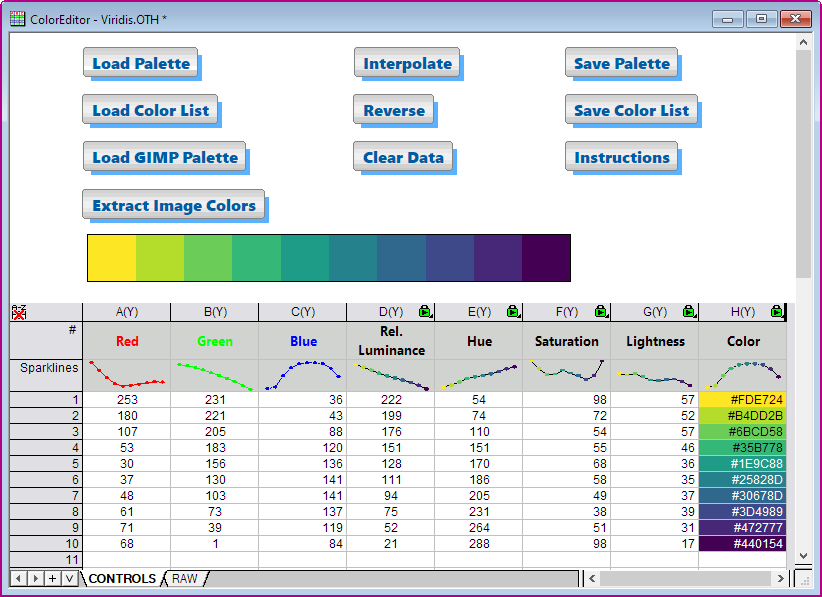
Note: Click the Instructions button to pop-up the Instructions Notes window for further help. - Click Load Color List button to load into <Origin program folder>\Themes\Color\Viridis.OTH
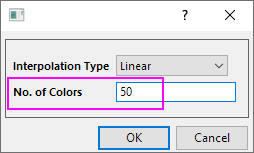
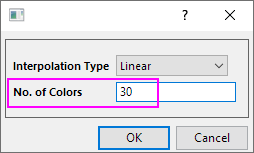
- Click the Interpolate button to extend the number of colors. Enter 50 to No. of Colors, then click OK
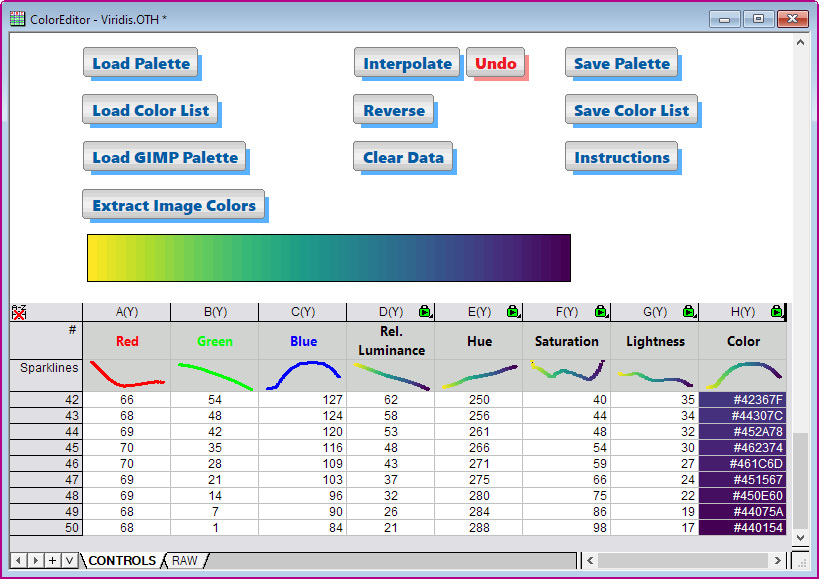
- You will get the new color list with 50 colors.
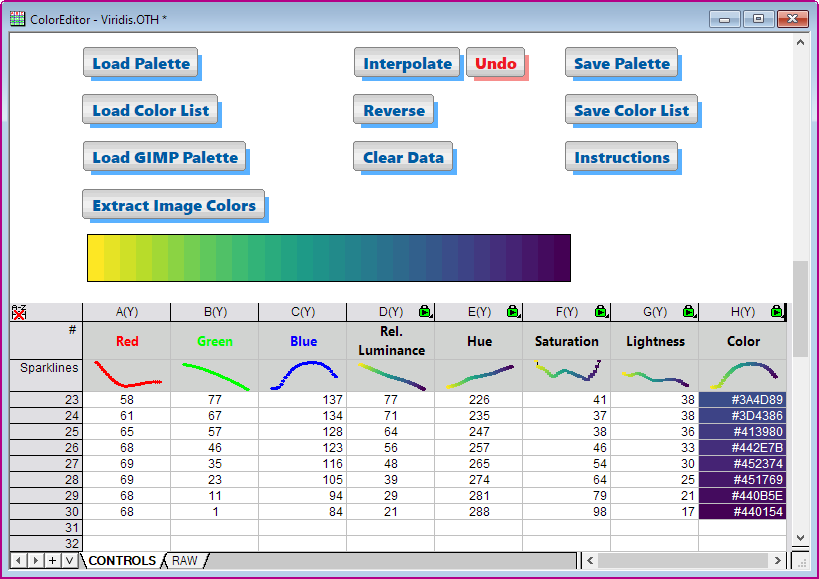
- To reduce the number of color to 30, you can click the Interpolate button again, and then enter 30 to No. of Colors. Click OK.
- At this time, the new color list with 30 colors.
- Click Save Color List button to save this new color list as .oth file. The new color list file is saved in the User File folder (User Files\Themes\Graph\).