2.48 Change Point Analysis
Summary
This Change Point Analysis app is used to detect single and multiple changes within a given time series or sequence.
Tutorial
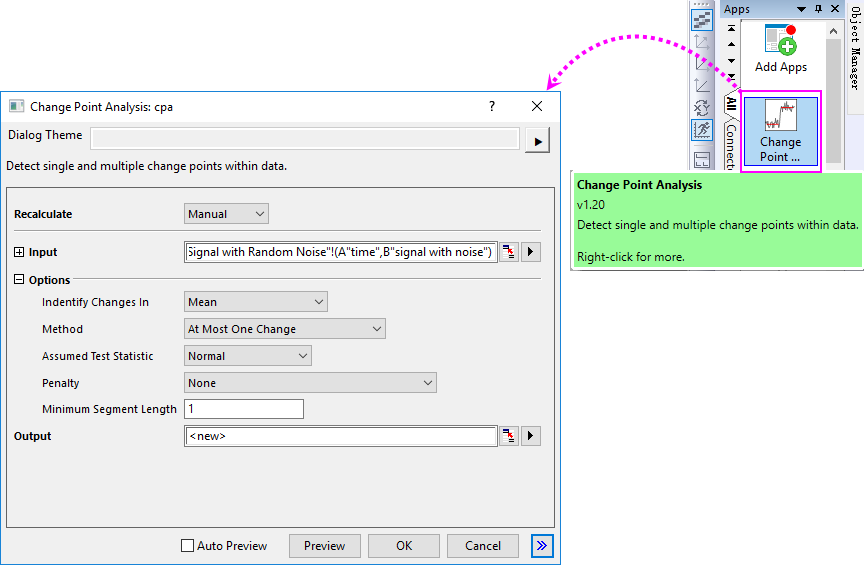
- Start this tutorial with the app Change Point Analysis installed. If you have not installed this app, please click Add Apps button in Apps Gallery to open App Center to search and install the app.
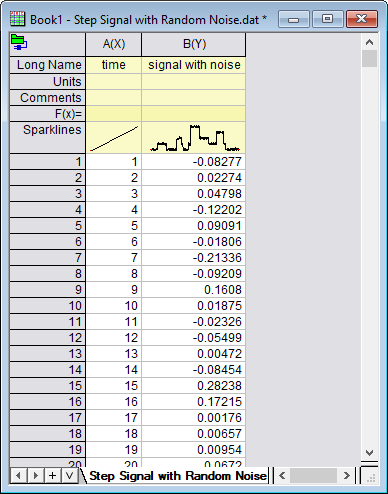
- New a workbook and then select Data > Connect to File : Text/CSV menu to import the sample file <Origin Program Folder>\Samples\Signal Processing\Step Signal with Random Noise.dat.
- Highlight Col(B), and click the app icon to open the dialog.
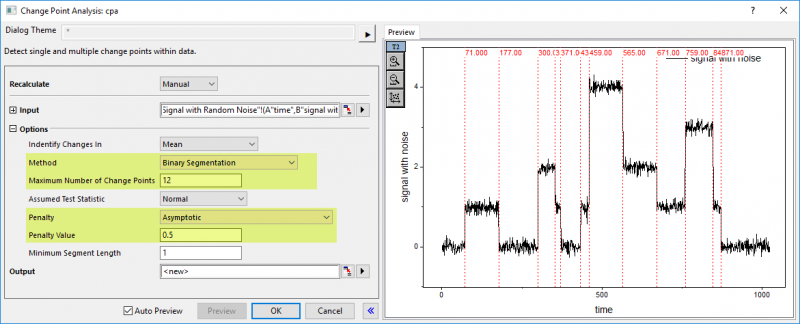
- To find all the changes, let us check Auto Preview box and do settings as below in the dialog:
- Click OK button to output the changes.
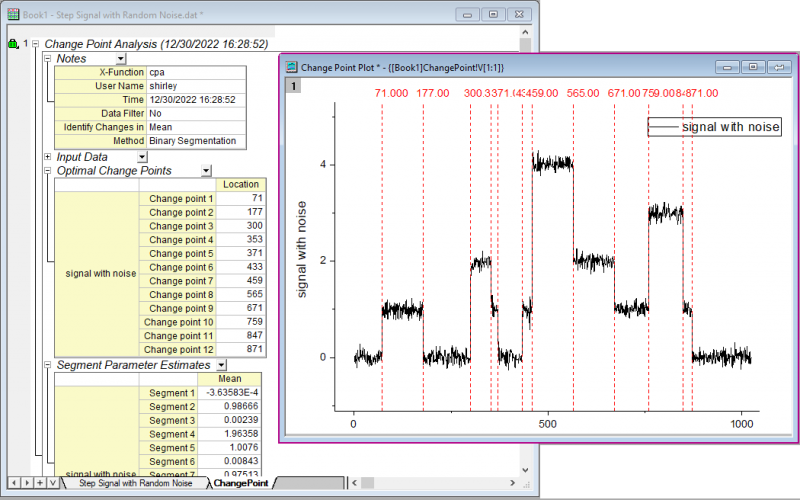
- As you can see in the report sheet, twelve change points have been found and thirteen segments divided by the change points have been counted by statistical. And all change points has been marked and labeled in the result graph.