2.42.3 Analyze Design
This chapter describes how to analyze an experimental design in the software. It covers the dialog boxes for each design type, methods for fitting and refining the model, and guidance for interpreting the results and plots.
Topics in this chapter:
- The Analyze Design Dialog Box - Dialog boxes for analyzing each design type.
- Model Fitting and Selection - Introduce the model fitting and terms selction in DOE
- Stepwise Regression - Add or remove terms from the model automatically.
- Lack of Fit Test - Test whether the model adequately fits the data.
- Model Prediction(Find Y from X) - Predict response values from factor settings.
- Results and Plots for Analyze Design
- Interpreting Results for Analyze Design - How to read the analysis output.
- The Plots for Analyze Design - Diagnostic and response plots for the analysis.
- The Simplex Design Plot - Plot the design space for a mixture design.
.
Processing
- Activate a worksheet with your experimental design data which is generated via Generate Design or Define Custom Design
- Select Statistics: Quality Improvement: Design of Experiment from the Origin menu
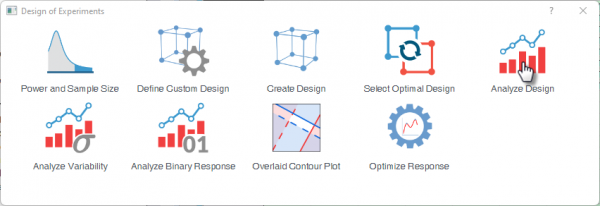
- Select the Analyze Design icon
|
Topics covered in this section: |