2.42.3.1 The Analyze Design Dialog Box
This chapter describes the dialog boxes used to analyze each design type in the software. Each dialog box lets you specify the response variables, assign factors to the model, select terms, and set analysis options before running the analysis.
Topics covered in this section:
To open the Analyze Design dialog
- Activate a worksheet with your experimental design data which is generated via Generate Design or Define Custom Design
- Select Statistics: Quality Improvement: Design of Experiment from the Origin menu
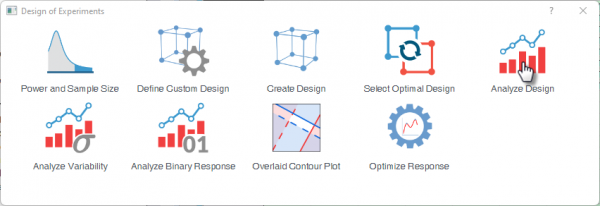
- Select the Analyze Design icon
 | Topics for Further Reading:
|